MiniMax H3 on Reeldo

MiniMax H3 AI Video Generator

Create with MiniMax H3 — 768P drafts or 2K finals, native stereo sound, and multimodal Reference Studio in one place.

Describe your scene in words. No uploads required.

Model

Sound-On

MiniMax H3 — 2K multimodal video with native stereo sound and Reference Studio

0/5000

Output Settings

Resolution

Duration

Aspect Ratio

Native stereo audio is included with MiniMax H3 outputs.

16:9 · 5s · 720p

Multimodal references, cinematic motion, and built-in audio in one generation.

How to use MiniMax H3 on Reeldo

  1. Step 1

    Pick 768P or 2K

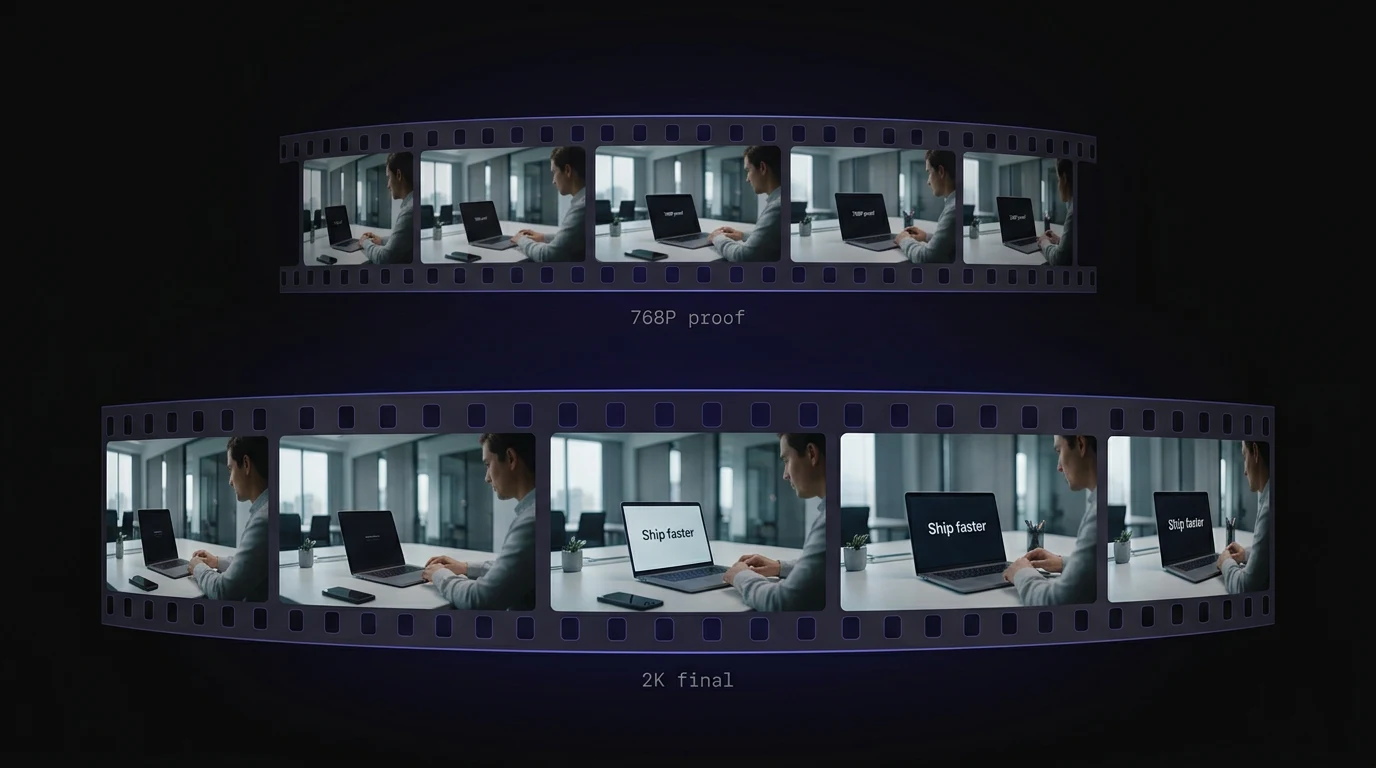
    768P for fast drafts and iteration; 2K for brand-ready clips with sharper text and detail.

  2. Step 2

    Text, image, or reference

    Describe a scene, animate start/end frames, or combine reference images, videos, and audio in Reference Studio.

  3. Step 3

    Generate & download

    Credits are shown before you generate. Preview your clip with native stereo sound, then download.

MiniMax H3 FAQ

What is MiniMax H3 on Reeldo AI?
MiniMax H3 (Hailuo 03) is a third-party multimodal AI video model on Reeldo. Generate 4–15 second clips at 768P or 2K with native stereo audio via text-to-video, image-to-video, or Reference Studio.
Is Reeldo the official MiniMax website?
No. Reeldo AI is an independent platform that integrates models such as MiniMax H3. We are not affiliated with or endorsed by MiniMax.
768P vs 2K on MiniMax H3?
768P is faster and costs fewer credits — ideal for drafts. 2K delivers sharper text, brand elements, and fine detail for final delivery.