
Not “dance with JISOO” face swap
Some apps keep an idol on screen and swap only one dancer. Reeldo generates both performers from your two photos — template recreation, not celebrity overlay.
Hallway dance duet · November 2026 spike · 2 photos · 15s · 9:16 · with sound
Also searched as Jisoo Addicted Dance AI. Upload two separate adult photos. Wan recreates the hosted ADDICTED hallway dance shot for shot — hair flip, lens rush, shoulder lean, and synced hand moves — with credits shown before you generate. No prompt and no idol face swap.
Jisoo Addicted AI — also searched as Jisoo Addicted Dance AI — is an AI dance video generator that turns two photos into the viral ADDICTED hallway dance challenge: same bright corridor, handheld cuts, and choreography as the October 2026 TikTok clip, with reference audio on the beat. Reeldo hosts the motion template and runs Wan 3.0 reference generation so both dancers come from your uploads. This is template recreation, not a face-swap that keeps idols on screen. Fan-made only — not affiliated with JISOO, ROSÉ, BLACKPINK, or BLISSOO.
Wan copies the hosted 15s hallway Video1 shot for shot. Photo 1 and Photo 2 become both dancers — template generation, not a face swap with idols.
Scene
Moves stay on Video1 — only the room changes. Viral hallway is the TikTok trend look.
Default — frame from hosted Video1 (Reeldo sample duet). Matches preview and ADDICTED challenge corridor.
Your two photos
Photo 1
Opens with the hair flip — ends on the right in the duet.
Photo 2
Rushes to the phone — ends on the left in the duet.
One adult per photo — face forward, at least waist-up, even light. Photo 1 opens; Photo 2 rushes to the lens. Use Swap to switch roles.
Quality
One adult per photo — face forward, at least waist-up, even light. Photo 1 opens; Photo 2 rushes to the lens. Use Swap to switch roles.
~USD uses Max yearly $/credit (best subscription rate). Monthly plans or one-time credit packs cost more per clip.
Sample duet (Video1)
Reeldo showcase clip — Wan copies this motion; your two photos replace both dancers.
Viral templates trending on TikTok and Reels — same one-click formats as AI Effects. Pick another in seconds.
On 30 October 2026 JISOO released “ADDICTED,” the second pre-release from her first full album. The next day ROSÉ posted a 38-second hallway dance duet with JISOO that passed roughly 14–15M TikTok views in a day — the ADDICTED dance challenge fans still repost. Searches for “Jisoo Addicted ai” and “Jisoo Addicted Dance AI” spiked because people wanted the duet without learning the choreography — AI dance generators copy the hallway template while swapping in new dancers. Reeldo uses Wan template generation from two photos, not a face-swap that leaves celebrities in the clip.
 1
The duet opens mid-hallway with a sharp turn and hair flip — the beat fans copy first.
 2
One dancer runs up to the handheld lens laughing — where faces drift if the photo is weak.
 3
The pair lean on each other laughing before the final side-by-side pose.
 4
Side by side: hands at chin, over eyes, and beside the face on the “got me so addicted” line.
Some apps keep an idol on screen and swap only one dancer. Reeldo generates both performers from your two photos — template recreation, not celebrity overlay.
This page is the vertical hallway challenge clip, not the horizontal ADDICTED MV.
CapCut templates edit inside the app. Reeldo runs Wan reference in the browser with upfront credits and a fixed hallway Video1.
Left: the @jisoo TikTok hallway duet fans search for (trend source). Right: a Reeldo export from two fan photos — same motion Wan uses as hosted Video1 in the generator above.
Original ADDICTED challenge clip — bright corridor, hair flip, lens rush, and synced hand moves (attribution reference, not your output).
Example Wan output from two uploaded photos on this tool — matches the generator preview; your faces and scene replace the sample.
Two photos, one dance template, no prompt.
One adult per photo, face forward, at least waist-up. Photo 1 opens with the hair flip; Photo 2 rushes to the lens. Use Swap if your friend should open instead.
Pick a background (default Viral hallway uses Video1’s corridor). Other scenes swap the room only — choreography stays on Video1. Then Draft or Standard; credits show before Create.
Post to TikTok or Reels with #JISOO_ADDICTED or #addictedjisoo. Turn on the platform AI label when asked.
Same 15s hallway dance choreography and ADDICTED timing from hosted Video1 — change only where you and your friend perform the duet. Default Viral hallway matches the TikTok ADDICTED dance challenge corridor; other presets use empty scene plates (no people).

Same bright corridor as hosted Video1 — matches the Reeldo sample duet and the ADDICTED challenge look fans post on TikTok.
Best for: first post, #JISOO_ADDICTED, and maximum trend recognition.

Seamless white cyclorama — clean backdrop so outfits and hand moves pop on Reels.
Best for: outfit showcases and minimal distraction edits.

Empty dance floor with magenta and cyan neon — night-out energy without changing duet timing.
Best for: party edits and colorful streetwear.

Luxury hotel hallway plate — still a corridor vibe but distinct from the default trend set.
Best for: travel aesthetic and soft warm lighting.

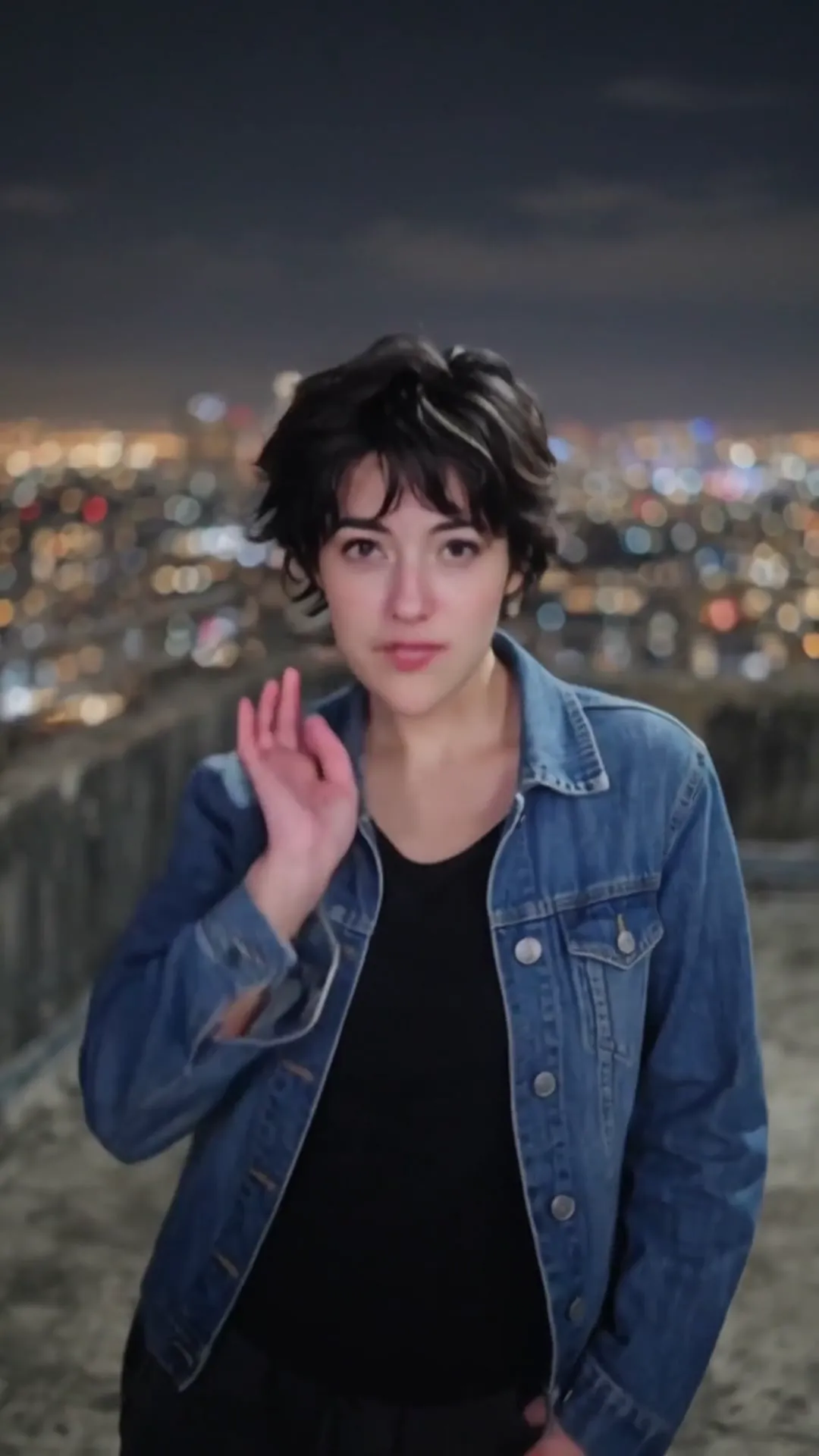
Open rooftop with city bokeh — cinematic vertical duet without learning choreography.
Best for: flex posts and date-night edits with a friend.
Scene plates are empty sets. Both dancers always come from Photo 1 and Photo 2 — never JISOO, ROSÉ, or other celebrities. Non-default scenes may look slightly less “pixel-perfect” than the original corridor but add variety for reposts.
Two separate files — never one group shot. Show face and at least hips so arm and hand moves read. The lens rush is where bad uploads break first.


Both use Wan 3.0 Standard at 9:16 with the hosted hallway Video1 and reference audio.
Cheaper test that both faces hold through the hair flip and lens rush.
15s: ~125 credits at 480p
Sharper for TikTok and Reels.
15s: ~282 credits at 720p
Competitors often market “dance with JISOO.” Reeldo is built for two-photo template generation with no idol likeness in the output.
One-tap trend clips — some modes keep JISOO or ROSÉ on screen. Read the product before you post; Reeldo never outputs celebrity faces unless you uploaded them.
Two photos → Wan recreates Video1 shot for shot. Hallway, moves, and timing fixed; both dancers from your uploads. Credits before Create.
Preview with sound, then: